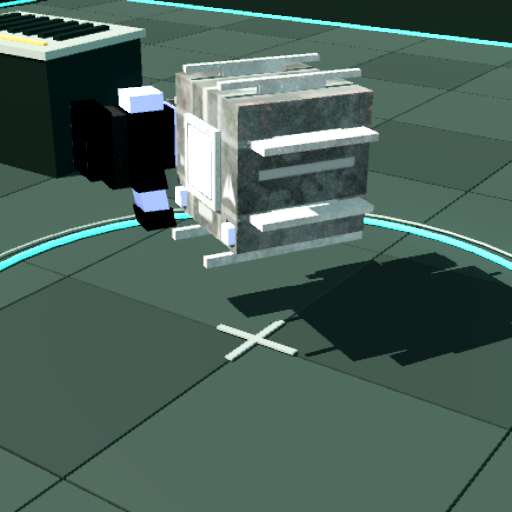
Both views use the same six enemies and combat rules. Switch cameras during a fight, or restart for the same setup. Appearance changes have no effect on damage or durability.
The map marks surrounding enemies; the counter tracks threats outside the camera view. Fit all combatants pulls back to show every living enemy and your drone. Click it again to return to your selected camera.
This standalone demo has no account sign-in or campaign saves. Shared links contain only camera and appearance choices.